The Pomodoro Technique Still Beats Every Productivity App I've Tried

I’ve tried most of the productivity apps. The forest-growing ones, the streak-counting ones, the AI-coaching ones, the ones that lock your phone in a tiny digital safe. They’re fine. None of them helped me focus the way a $5 mechanical kitchen timer does.
The technique is older than me: 25 minutes of work, 5 minutes of break, repeat. Every fourth cycle, take a longer 15–30 minute break. That’s it. That’s the whole thing.
Why it works (better than it has any right to)
It removes the hardest decision of the day, which is when to start. The timer says now. You don’t have to feel ready.
It also reframes rest. A break isn’t a guilty interruption — it’s a scheduled part of the loop. You earn it by working, and you take it without negotiation. That switch alone changed my relationship with rest more than any meditation app did.
And it makes focus a finite, visible thing. 25 minutes is short enough that “I’ll do one round” never sounds insurmountable. By round three you’re usually in flow.
Three variants worth trying
- 52/17. Some research suggests 52-minute work blocks with 17-minute breaks match natural attention cycles better. Try it if 25 feels chopped up.
- Themed pomodoros. Assign each round to a single task or a single project. Resist the urge to flit. Five focused rounds beat fifteen scattered ones.
- The “no notifications” rule. During a pomodoro, the phone is in another room. Not face-down. Another room. This is the rule that actually matters.
The trap
It’s possible to spend more time tracking pomodoros than doing the work inside them. If you find yourself optimizing your pomodoro log, you’ve optimized the wrong thing.
A timer. A task. Twenty-five minutes. Start.
Did this land? Tap a reaction.
😼 Billa Alert!
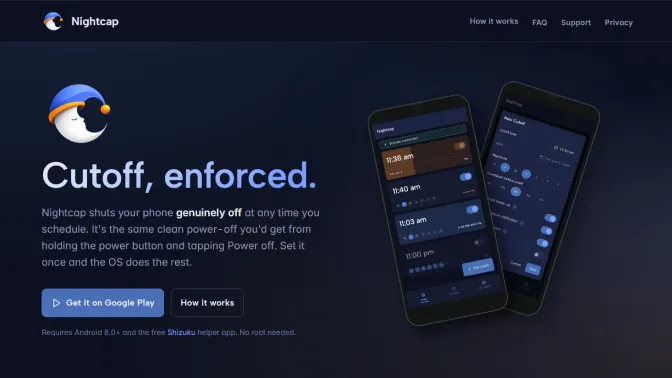
Take back your sleep routine. Schedule phone switch-off with Nightcap on Android.
Read post →