5 Creative Ways I Use the Latest ChatGPT Image Model for Personal Portraits
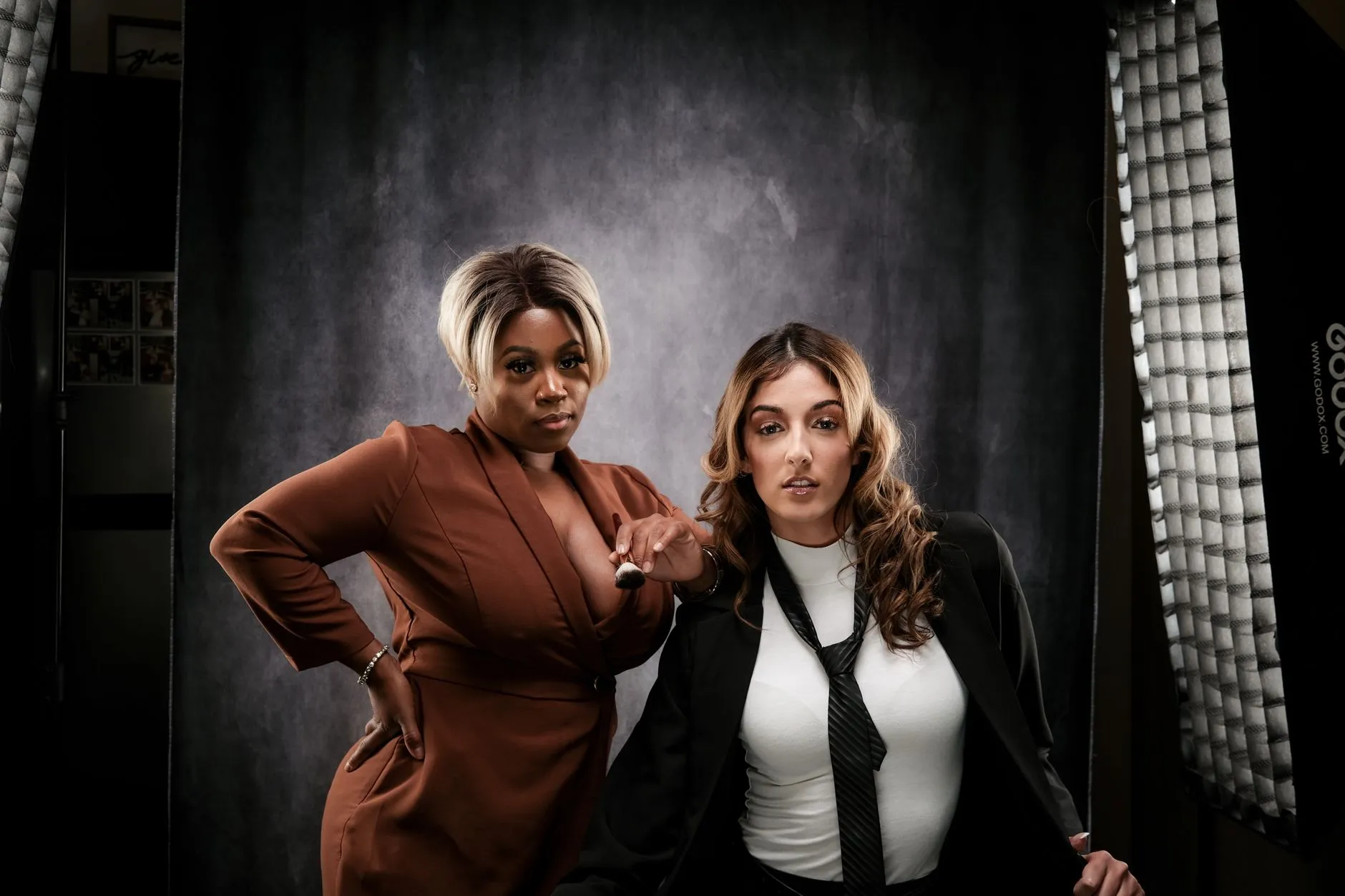
The default thing people ask AI image models for is some version of “portrait of me as a [cyberpunk hacker / Renaissance noble / Studio Ghibli character].” The output looks fine the first three times and forgettable forever after.
Here are five patterns I’ve been using that produce portraits I actually want to keep.
1. Style cross-pollination instead of style copying
Instead of “in the style of Wes Anderson,” try:
Portrait, color palette of Wes Anderson’s Grand Budapest, lighting of a 1970s Polaroid, composition of a Vogue cover from the 90s.
Three references, none of them dominant. The result feels more like a new thing than a copy.
2. Mood over costume
Specifying the emotional state gets you a better picture than specifying the outfit. Compare:
- Bad: “portrait of me in a leather jacket”
- Better: “portrait of me, exhausted but quietly proud after finishing something hard”
Costume direction is shallow. Mood direction makes the model commit to something real.
3. Environment storytelling
The space around the subject does more work than the subject’s pose. “Portrait of me in a workshop where I clearly spend a lot of time, lit only by a desk lamp at 11pm” produces a vastly better image than “portrait of me looking serious.”
Tell the model what was happening just before the photo. It’ll fill the frame accordingly.
4. Consistent self as a character
Once you find a generation you love, treat the description of that face as your reference. Re-use it across new scenes, lighting setups, and outfits. You’ll build a small library of portraits that look like you — recognisably the same character — in many contexts. It’s the closest thing to having your own actor.
5. Reference photo + redirection
Upload an actual photo of yourself and say:
Keep the face and proportions exactly as in the reference. Change the lighting to [X]. Change the environment to [Y]. Style the post-processing like [Z].
This produces the most usable results by a long way. Real reference, controlled edits. It also stops the model from “improving” your face into someone else’s.
The pattern that almost never works
“Make it look professional.”
The model has no idea what “professional” means in your context. It’ll default to a stock-photo headshot every time. If you want professional, give it specifics: lighting, background, composition, camera angle. Otherwise it’ll guess — and guess generically.
The model is a creative tool, not a vending machine. Treat it like a collaborator with strong instincts and short attention.
Did this land? Tap a reaction.
😼 Billa Alert!
Take back your sleep routine. Schedule phone switch-off with Nightcap on Android.
Read post →Try apps made by me
View all in Foundry →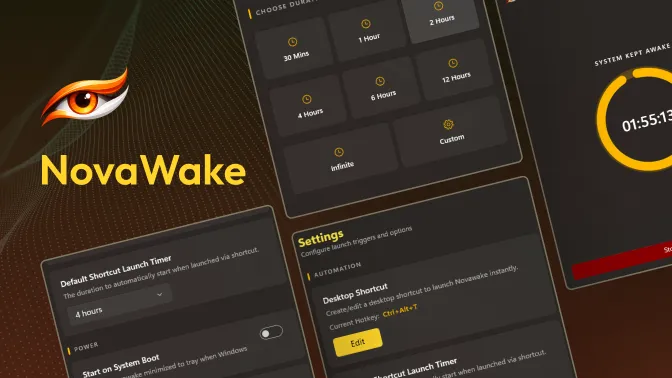
NovaWake
WindowsA lightweight Windows utility that keeps your PC awake when you need it. Prevents Windows from entering sleep during downloads, presentations, or long-running tasks with custom timers, system tray controls, and global shortcut keys.
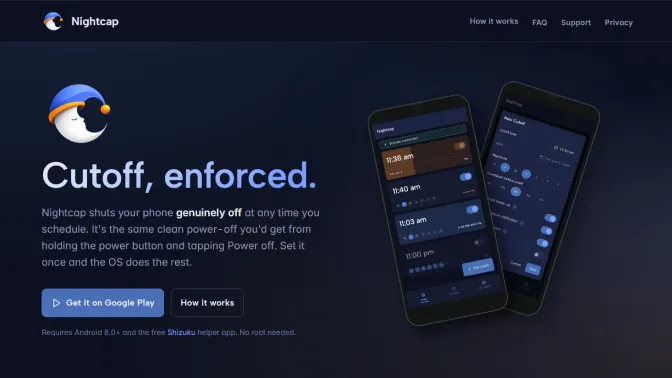
Nightcap
AndroidNightcap powers your phone all the way off at any time you schedule. Not a screen dimmer or a Do Not Disturb toggle you can swipe away in a second, but a real shutdown.
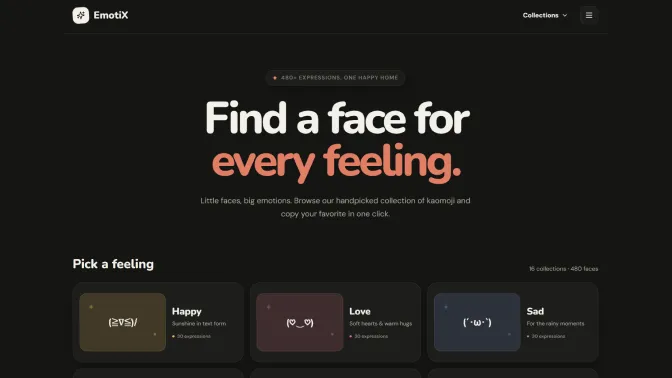
EmotiX
Web AppA curated collection and explorer for Japanese text emoticons (kaomojis). Browse through various mood categories, find a face for every feeling, and copy expressions instantly with a single click.
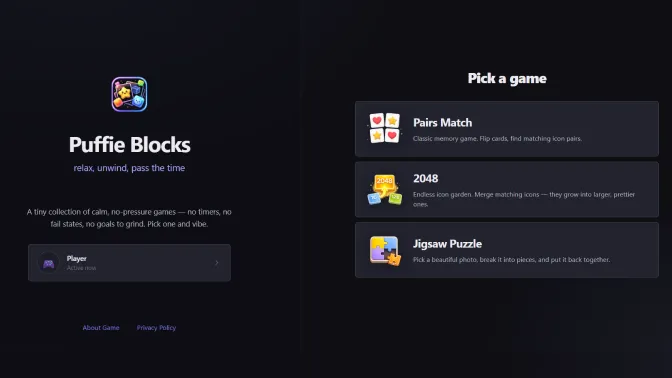
Puffie Blocks
Web AppA tiny collection of calm, no-pressure casual games. Includes memory matching and an endless 2048 icon garden, designed to let you relax, unwind, and pass the time.
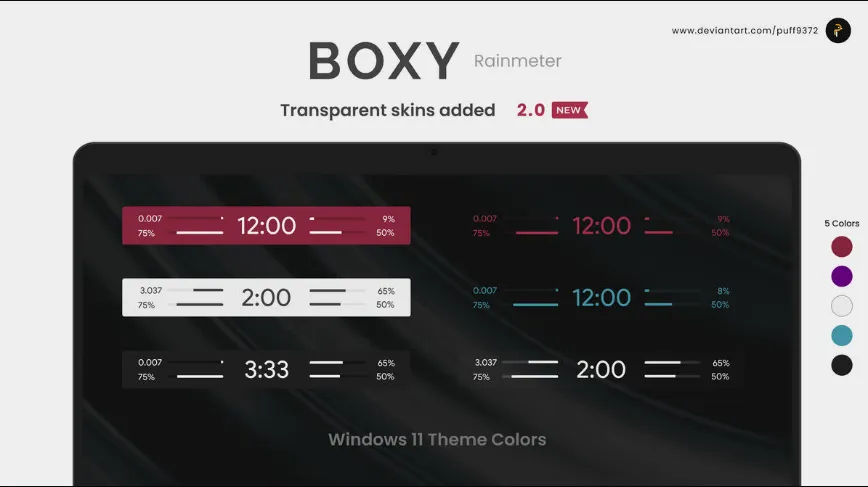
BOXY Rainmeter Skin
WindowsA modern, minimal, and clean system information skin for Rainmeter. It displays core desktop metrics in a beautifully simplified form, featuring color themes designed to match Windows 11 layouts.
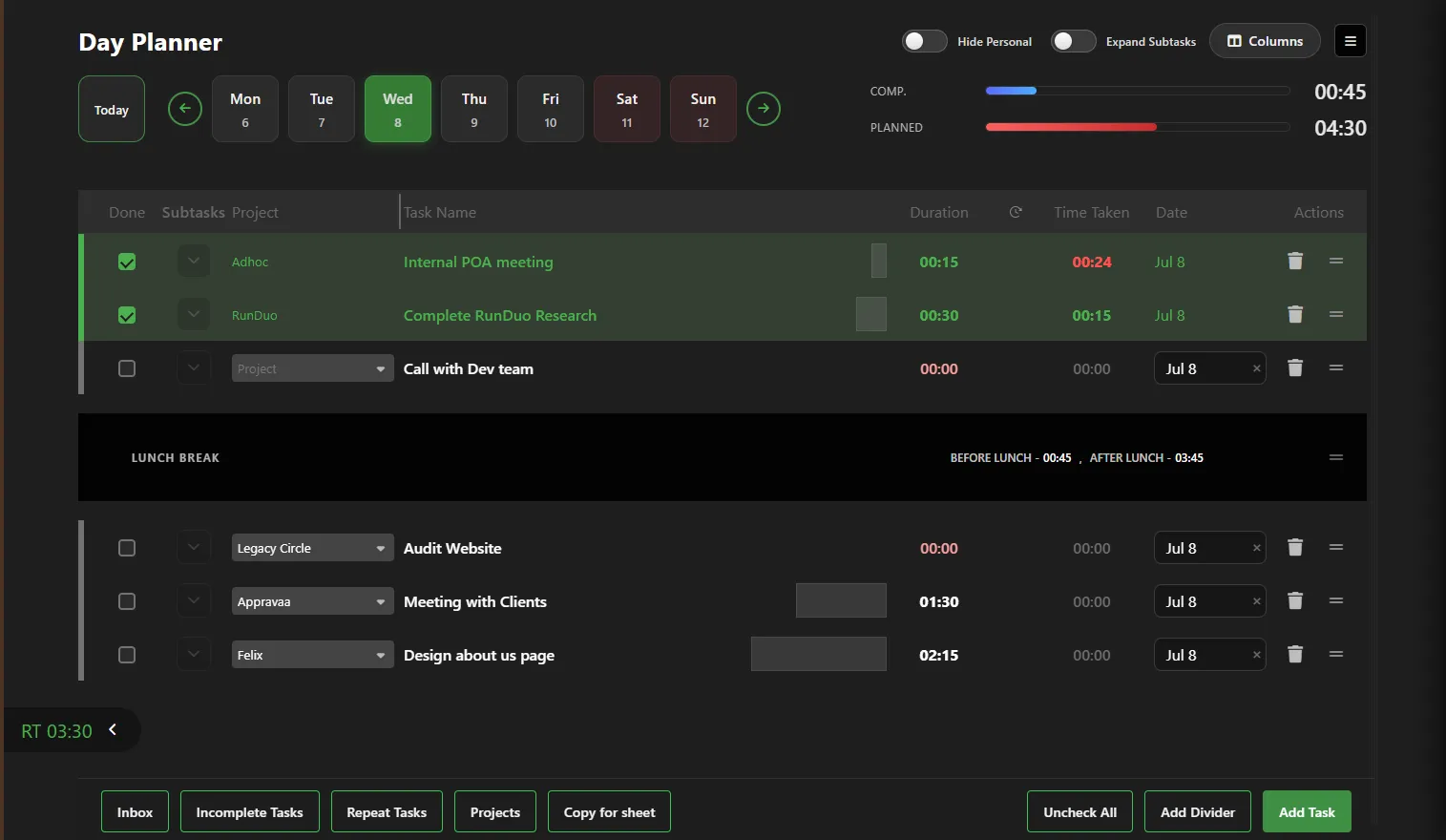
Day Planner
Web AppA task and schedule planner tailored for corporate and office professionals. It enables user-friendly task scheduling, calendar-based day planning, and interactive project completion tracking.