Where UI/UX Design Goes After AI Becomes Just the Stack
Two years ago “AI in design” meant generating moodboards. Today it means generating production-grade screens from a sentence, refactoring a design system across a thousand components, and writing the front-end code for what you just drew. That happened fast. And the question every designer I know is quietly asking is: what’s actually left for us to do?
I think the answer is more — not less. But it’s a different “more.”
What AI is genuinely good at now
- Generating the first 60% of a screen.
- Producing variants on demand (states, breakpoints, themes).
- Translating a design into front-end code that mostly works.
- Auditing for accessibility, consistency, and broken patterns.
- Writing UX copy that doesn’t suck.
If your day was largely about pushing pixels into the shapes someone else specified — that part of the job is shrinking. Fast.
What it’s still bad at
- Knowing why something should exist.
- Telling you when a feature is the wrong feature.
- Designing for an actual person rather than an averaged-out everyone.
- Sitting in a user research session and noticing what wasn’t said.
- Holding a coherent point of view across a whole product.
In other words: judgment, taste, and the political work of getting the right thing built.
The skill shift that’s already happened
I notice three big shifts among designers who are doing well right now:
- Prompting is craft. The designers getting great output from AI tools are the ones who write briefs the way they used to write design specs — specific, opinionated, with constraints. Vague in, vague out.
- Evaluation > generation. When you can produce ten variants in thirty seconds, the bottleneck isn’t making — it’s knowing which one is right. Taste is the moat.
- System thinking is non-negotiable. AI can produce one beautiful screen. It cannot reliably produce ten screens that fit together. That’s still our job.
What I’d tell someone starting today
Don’t compete with AI on speed. You’ll lose. Compete with it on the things it still can’t do: caring about the user, holding a long-term vision, and saying “no” to the right things.
Also: learn enough code to know when the AI is lying to you. That’s the new fluency.
Did this land? Tap a reaction.
😼 Billa Alert!
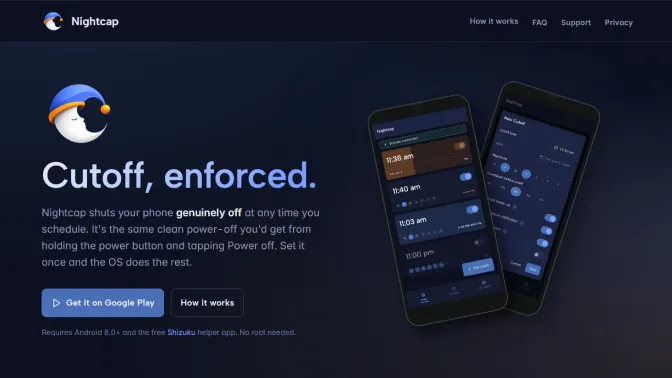
Take back your sleep routine. Schedule phone switch-off with Nightcap on Android.
Read post →